
Tutorials
Everything you need, one task at a time
Short walkthroughs, grouped by what you are trying to get done. Start with the pinned one.
 Read
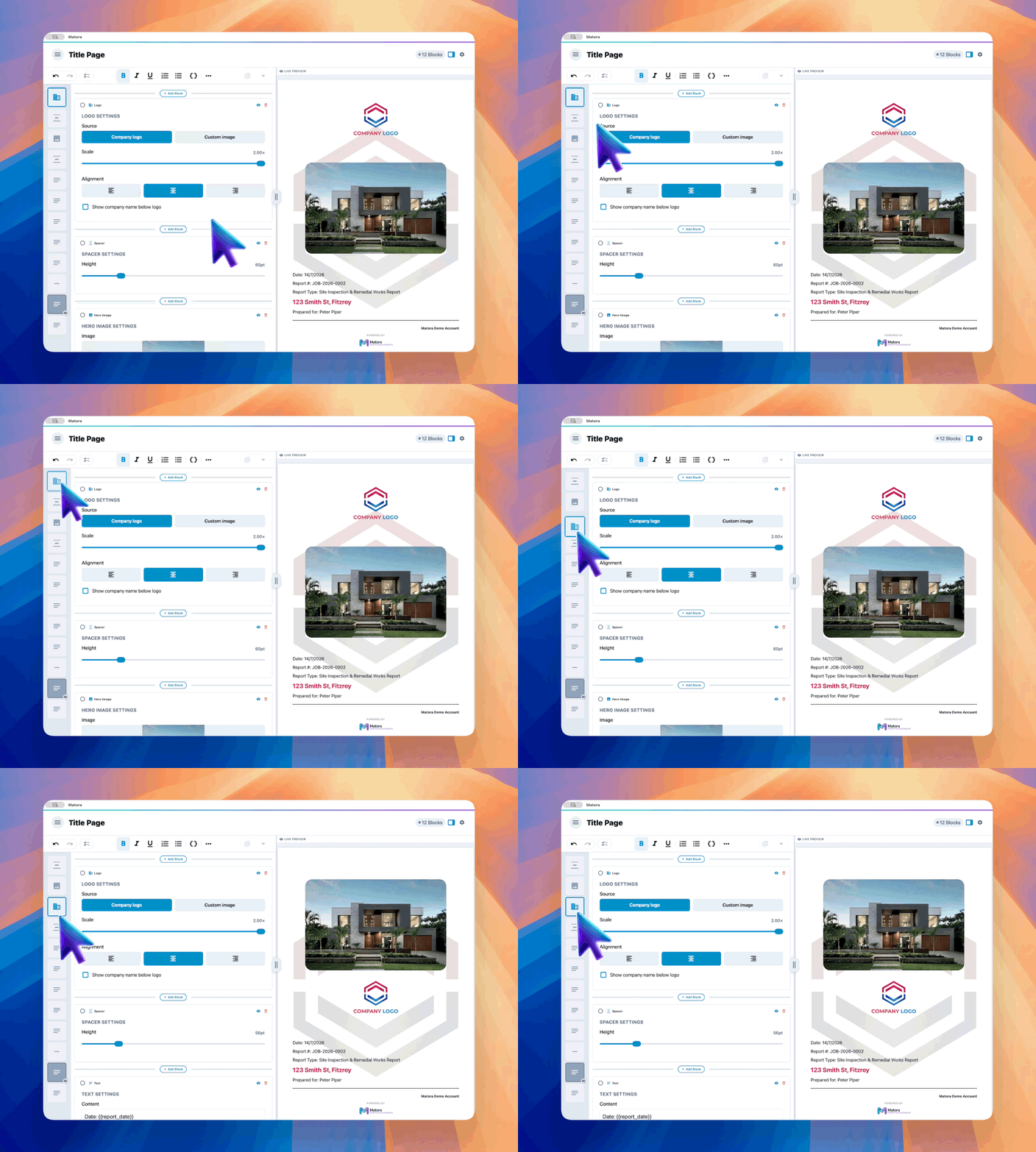
ReadBuild a branded title page
Create a reusable report cover using your logo, brand colours, images and automatic job details.
 Read
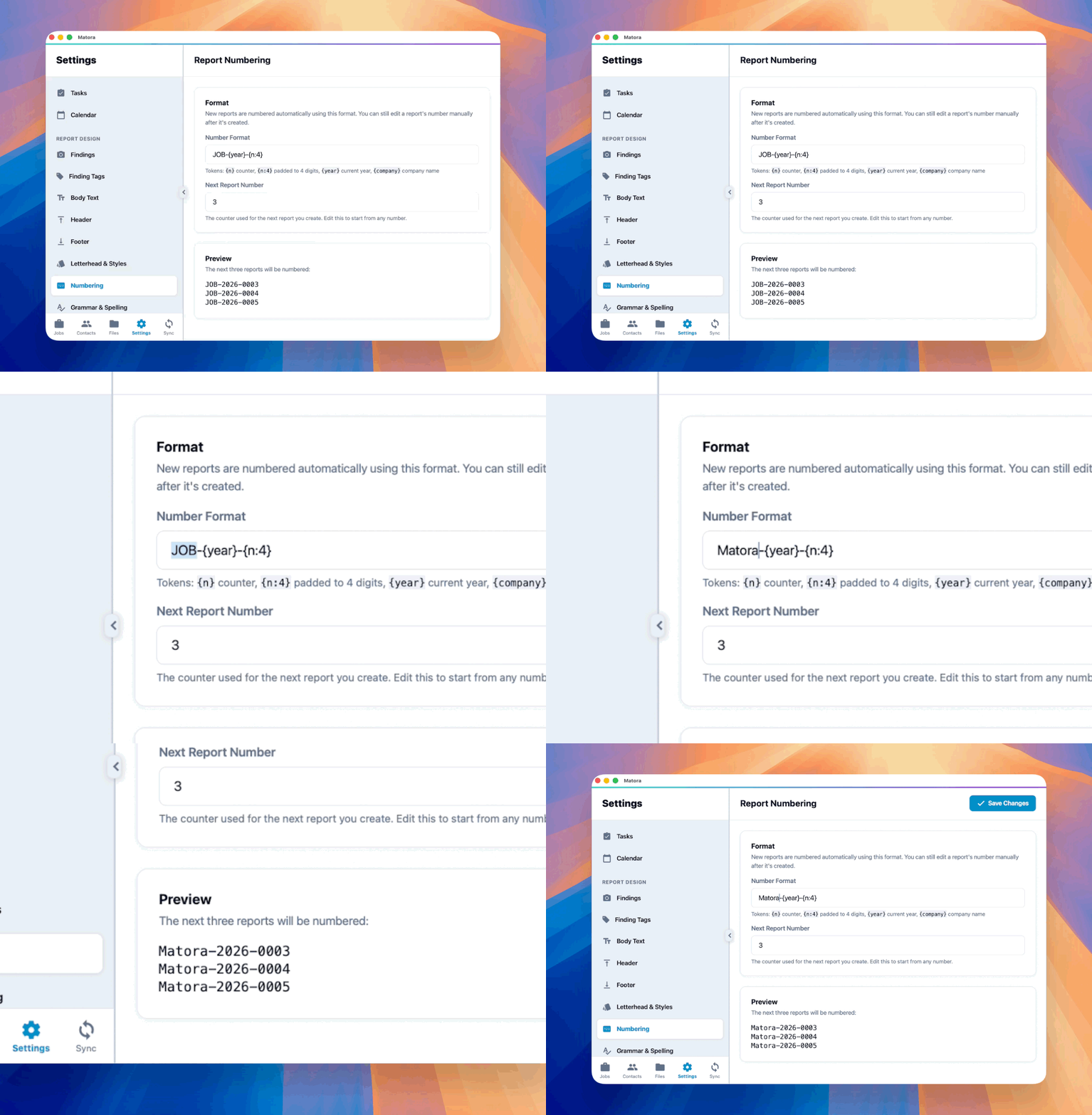
ReadSet up automatic report numbering
Give new reports consistent numbers using a company format, the current year and an automatic counter.
 Read
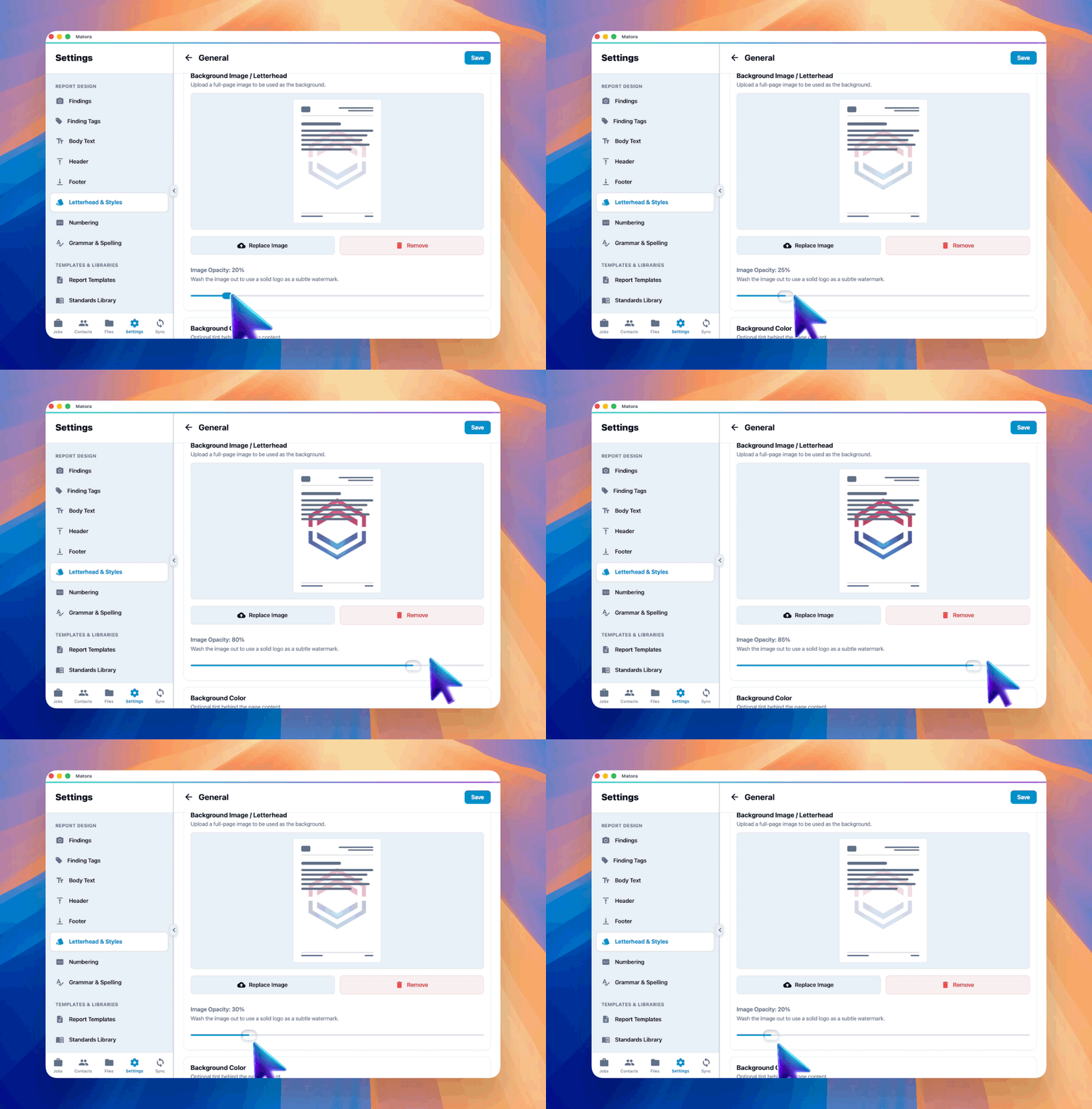
ReadCreate letterheads and page styles
Bring your existing letterhead into Matora or create reusable page styles using images, logos, colours and opacity.
 Read
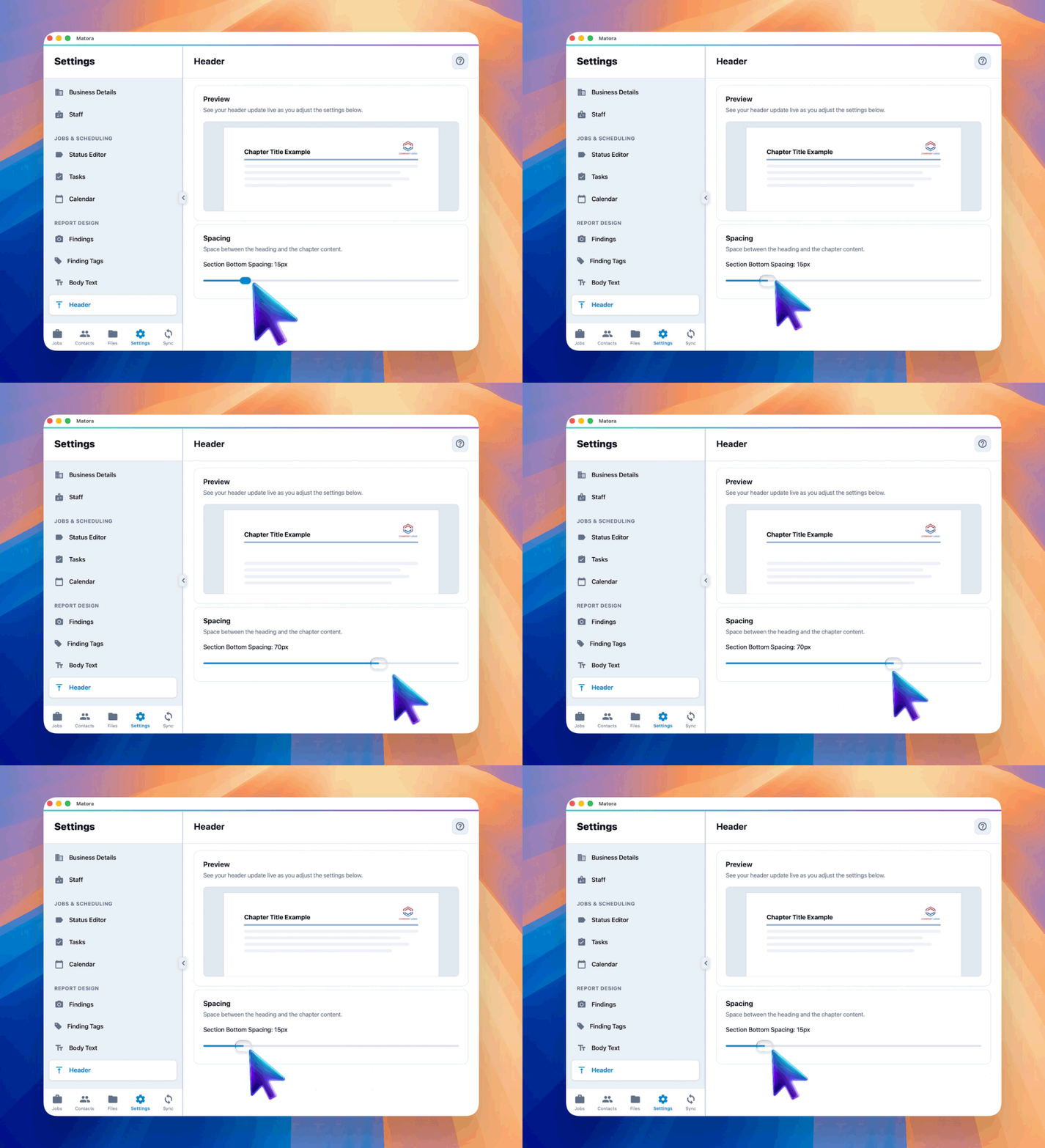
ReadCustomise report headers
Learn where chapter headers appear and style their text, logo, separator and spacing to match your company branding.
 Read
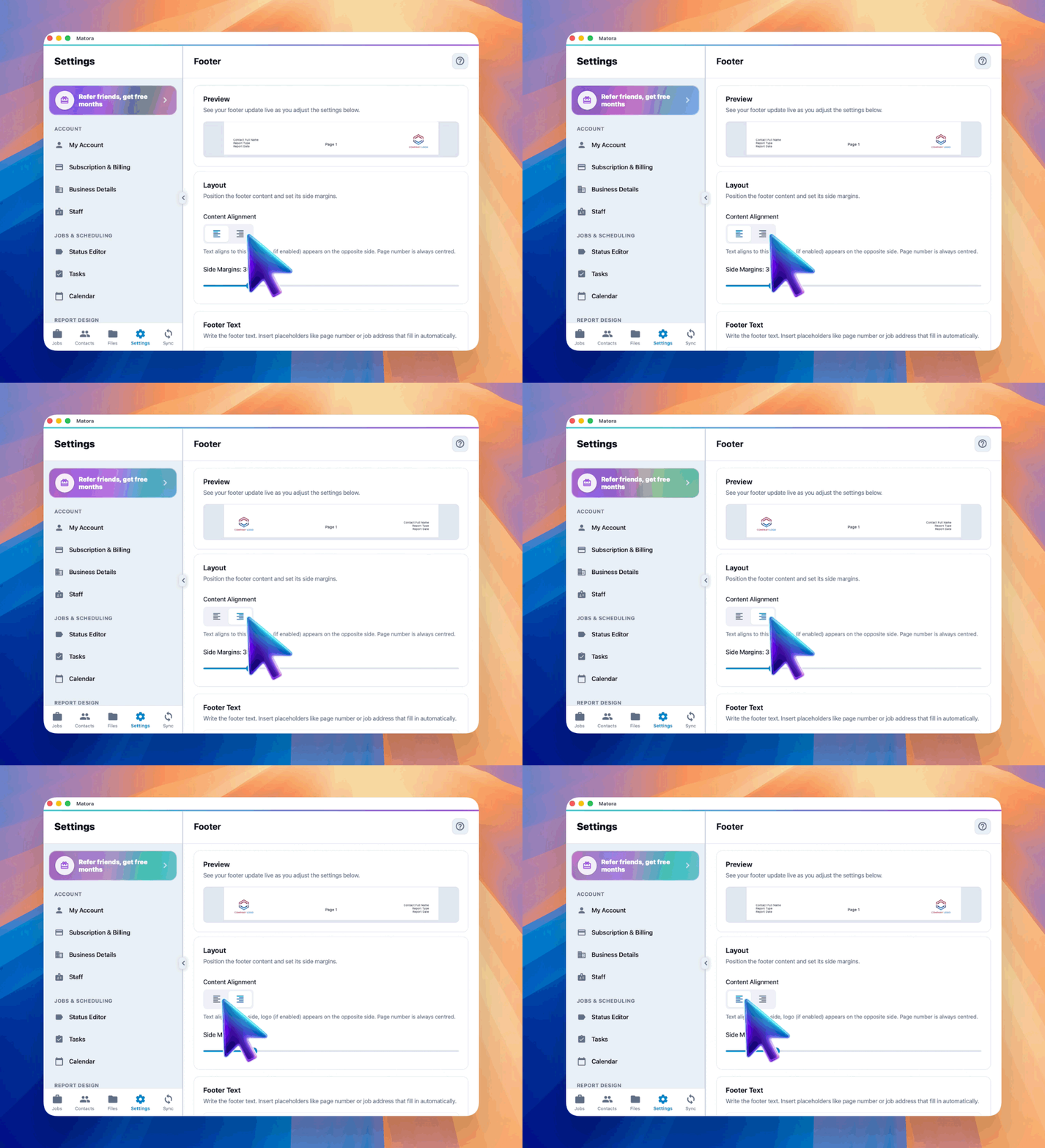
ReadCustomise your report footer
Add company details, job information, page numbers and branding to the bottom of your report pages.
 Read
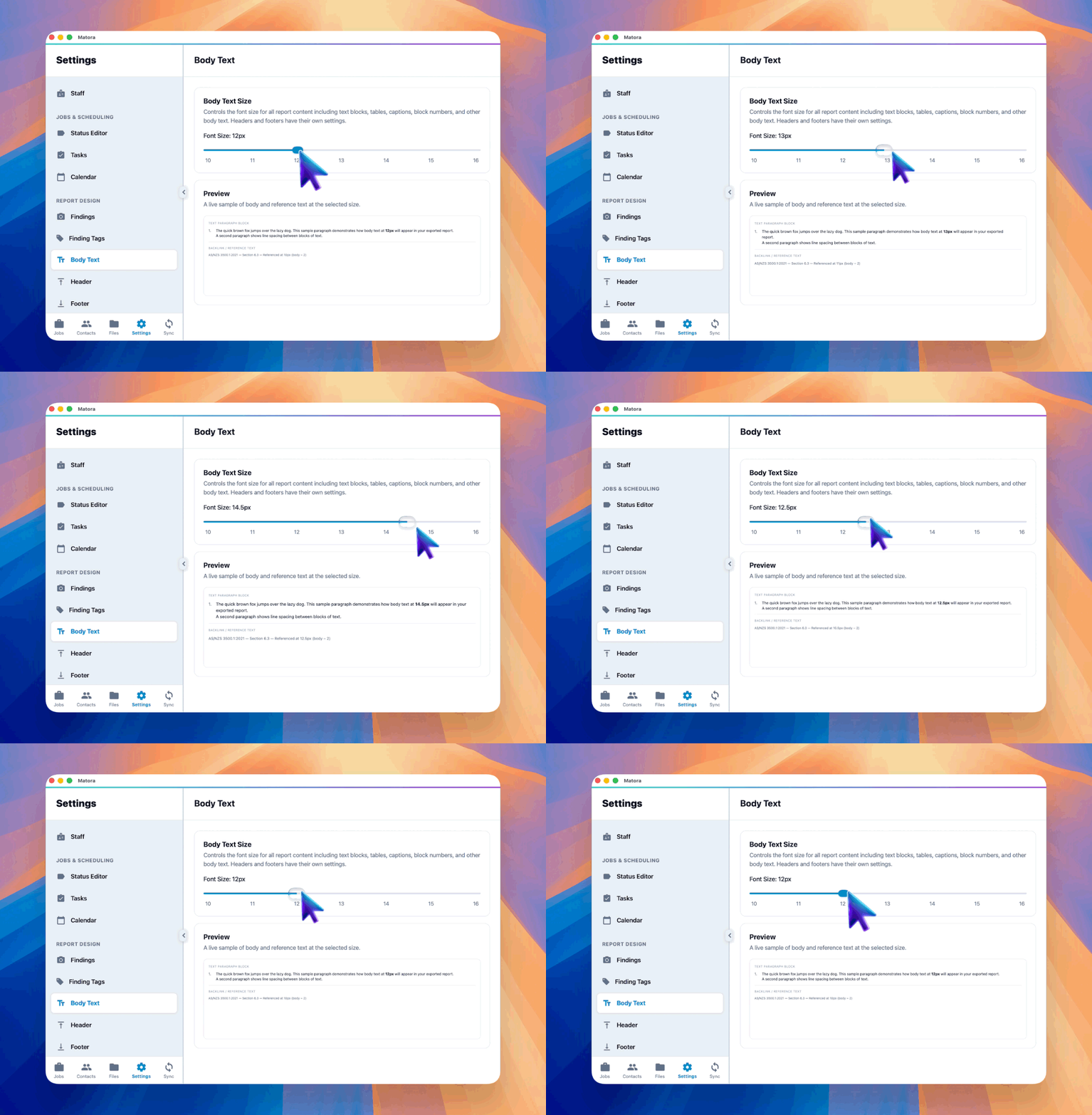
ReadSet your report body text size
Adjust the default text size used throughout your reports and check the result in the live preview.
 Read
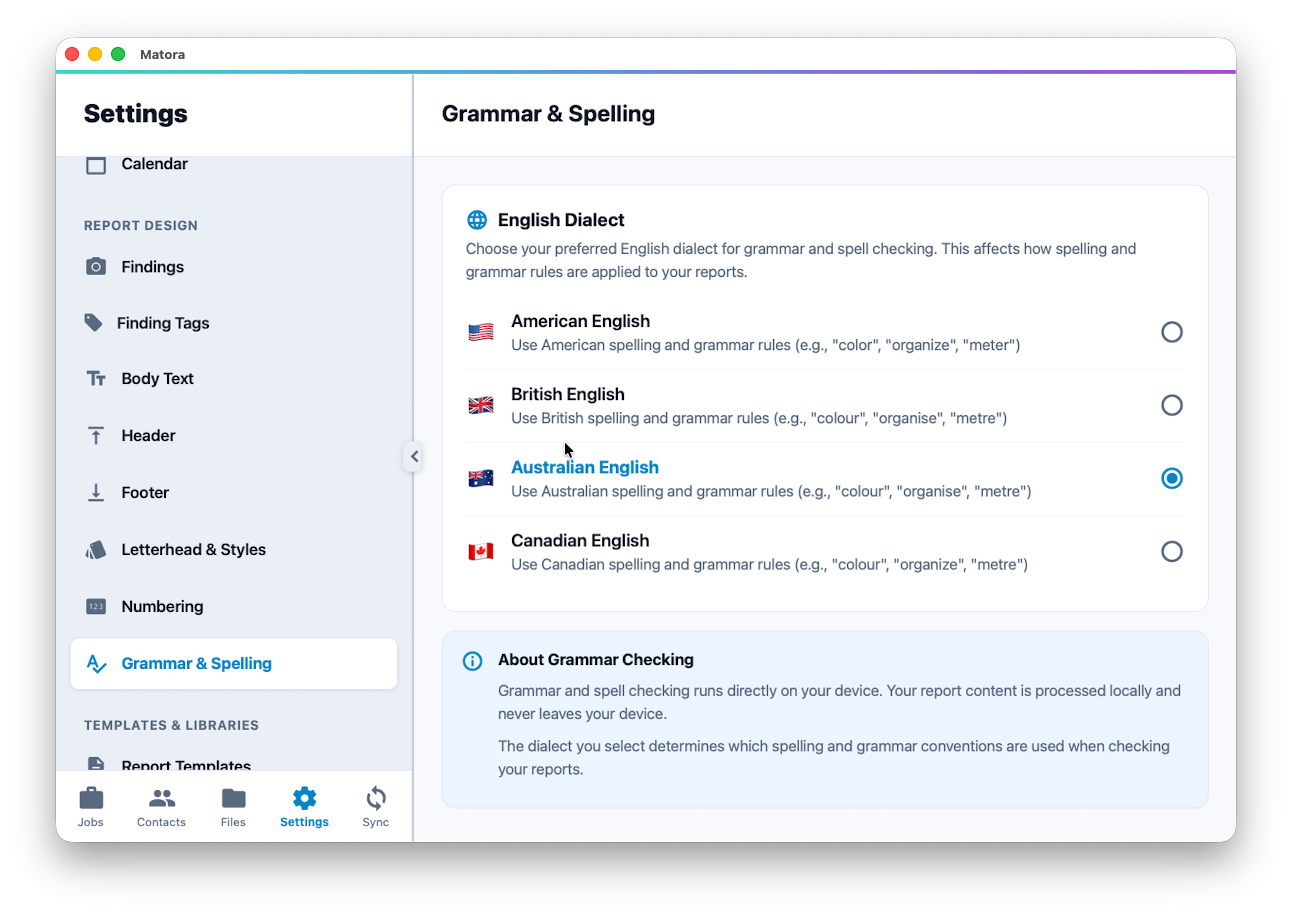
ReadChoose your spelling and grammar dialect
Check reports using the English spelling and grammar conventions your company prefers.