
Choose your spelling and grammar dialect
Check reports using the English spelling and grammar conventions your company prefers.
Updated
Matora can check report content for spelling, grammar, punctuation and consistency. Choosing the right English dialect helps it recognise the conventions your company uses instead of treating correct regional spelling as a mistake.
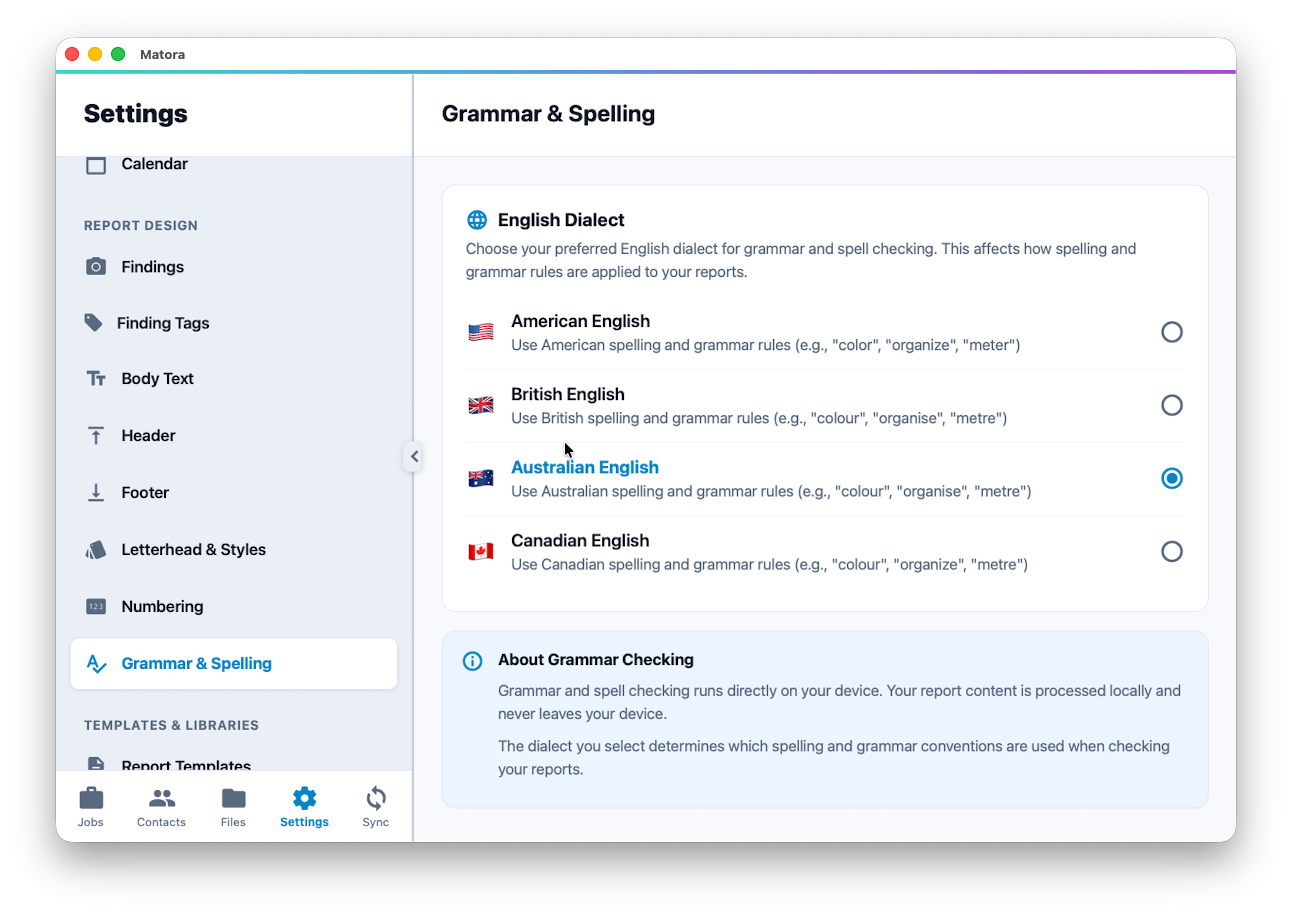
Choose your English dialect
- American English: color, organize and meter.
- British English: colour, organise and metre.
- Australian English: colour, organise and metre.
- Canadian English: colour, organize and metre.
In the app: Open Grammar & Spelling · Settings → Grammar & Spelling
- 1Open Settings → Report Design → Grammar & Spelling.
- 2Select the English dialect your company uses in its reports.
- 3Confirm the change. The selected dialect will be used the next time you run a spelling and grammar check.
Use one dialect consistently across the company. This reduces unnecessary suggestions and helps reports written by different team members feel consistent.
Run a spelling and grammar check
- 1Open a report chapter and open the chapter tools.
- 2Select Spelling and Grammar.
- 3Choose This Chapter or Entire Report.
- 4Review the detected spelling, grammar, punctuation and consistency issues.
- 5Apply an individual suggestion, ignore it or use Fix All when every remaining suggestion is appropriate.
Always review suggestions in context. Technical terms, product names, abbreviations and quoted standards may be correct even when the checker does not recognise them.
Your report content stays on your device
Matora’s standard spelling and grammar check runs directly on your device. The report content checked by this tool is processed locally and does not leave the device.
AI Grammar Check is a separate optional tool configured through Add-ons. The dialect selected here controls the standard on-device spelling and grammar check.